One machine
One machine
Time Management Platform
Time Management Platform
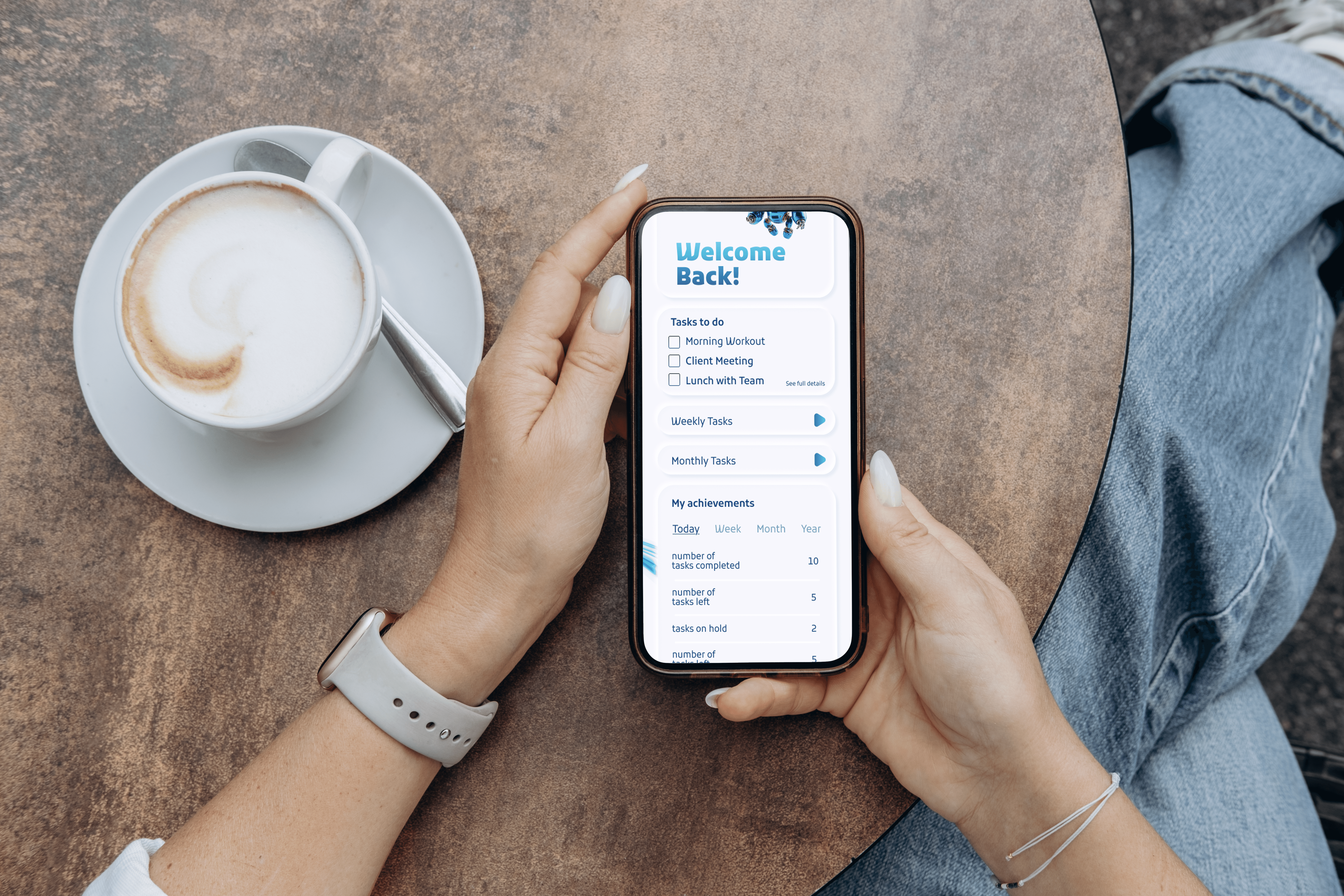
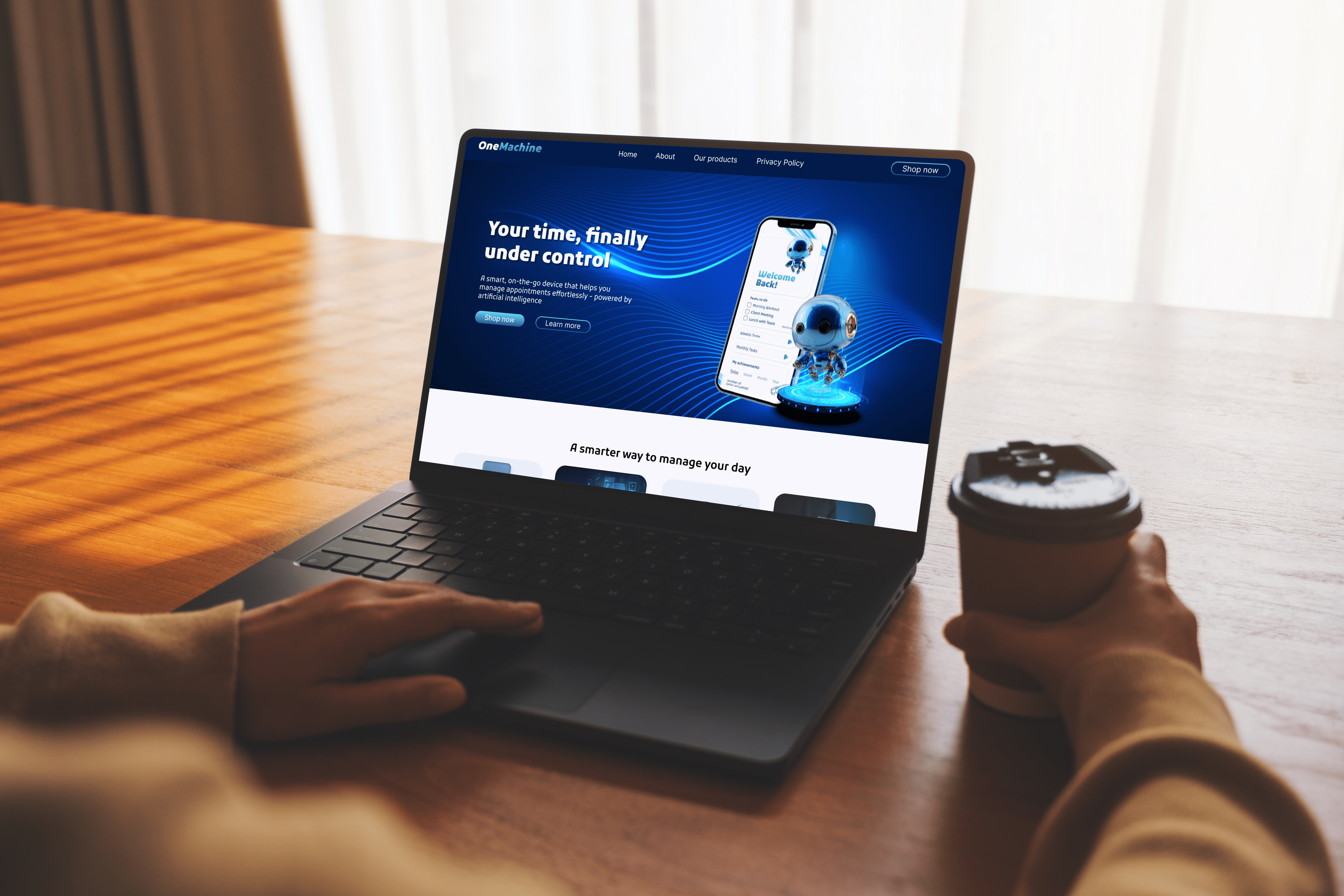
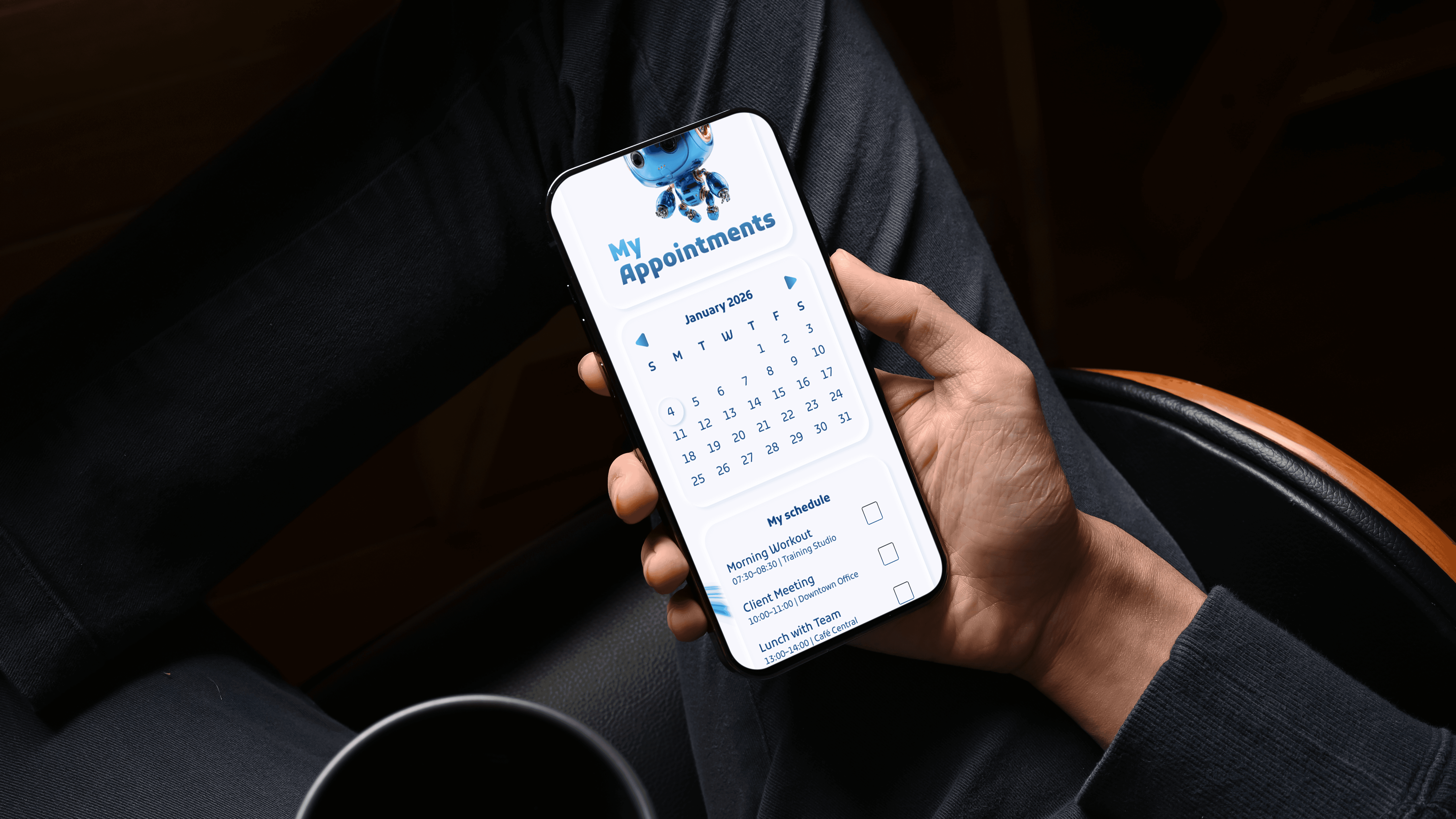
self‑initiated UI concept that combines appointments, reminders and scheduling into a single interface. Working alone, I researched existing tools, sketched wireframes and designed the final product to give users friendly control over their time.
Design Concept
Design Concept
Design Concept
Vibrant blue palette to convey clarity and trust.
A robot character humanises the technology and adds personality.
Clean design that uses the white space to make schedualing intuitive.
Readable typography that balances modern style and legibility.
Vibrant blue palette to convey clarity and trust.
A robot character humanises the technology and adds personality.
Clean design that uses the white space to make schedualing intuitive.
Readable typography that balances modern style and legibility.

Process
Process
Process
1
1
1
Research & Discovery:
Reviewed existing time-management tools and visual patterns.
Research & Discovery:
Reviewed existing time-management tools and visual patterns.
Research & Discovery:
Reviewed existing time-management tools and visual patterns.
2
2
2
Define:
Set the goal to simplify scheduling in one platform.
Define:
Set the goal to simplify scheduling in one platform.
Define:
Set the goal to simplify scheduling in one platform.
3
3
3
Idea:
Sketched layouts and built wireframes to structure content.
Idea:
Sketched layouts and built wireframes to structure content.
Idea:
Sketched layouts and built wireframes to structure content.
4
4
4
Design:
Applied the blue palette, typography and mascot across screens.
Design:
Applied the blue palette, typography and mascot across screens.
Design:
Applied the blue palette, typography and mascot across screens.
5
5
5
Outcome:
Delivered a friendly, intuitive interface and strengthened my UI skills.
Outcome:
Delivered a friendly, intuitive interface and strengthened my UI skills.
Outcome:
Delivered a friendly, intuitive interface and strengthened my UI skills.
Design system
Design system
Design system
Palette:
Palette:
Palette:
#2F3FB5
#2F3FB5
#2F3FB5
#29BBE3
#29BBE3
#29BBE3
#FFFFFF
#FFFFFF
#FFFFFF
The use of two blue colors as primary colors and whitr as background to create a calm yet engaging interface
The use of two blue colors as primary colors and whitr as background to create a calm yet engaging interface
The use of two blue colors as primary colors and whitr as background to create a calm yet engaging interface
Typography:
Typography:
Typography:
Kufam
Kufam
Kufam
The use of the same font in different wheights to ensure calrity in headlines and body text
The use of the same font in different wheights to ensure calrity in headlines and body text
The use of the same font in different wheights to ensure calrity in headlines and body text
Components:
Components:
Components:
Buttons, cards and icons share consistent spacing and rounded corners to maintain a cohesive look.
Buttons, cards and icons share consistent spacing and rounded corners to maintain a cohesive look.
Buttons, cards and icons share consistent spacing and rounded corners to maintain a cohesive look.
Mascot
Mascot
Mascot
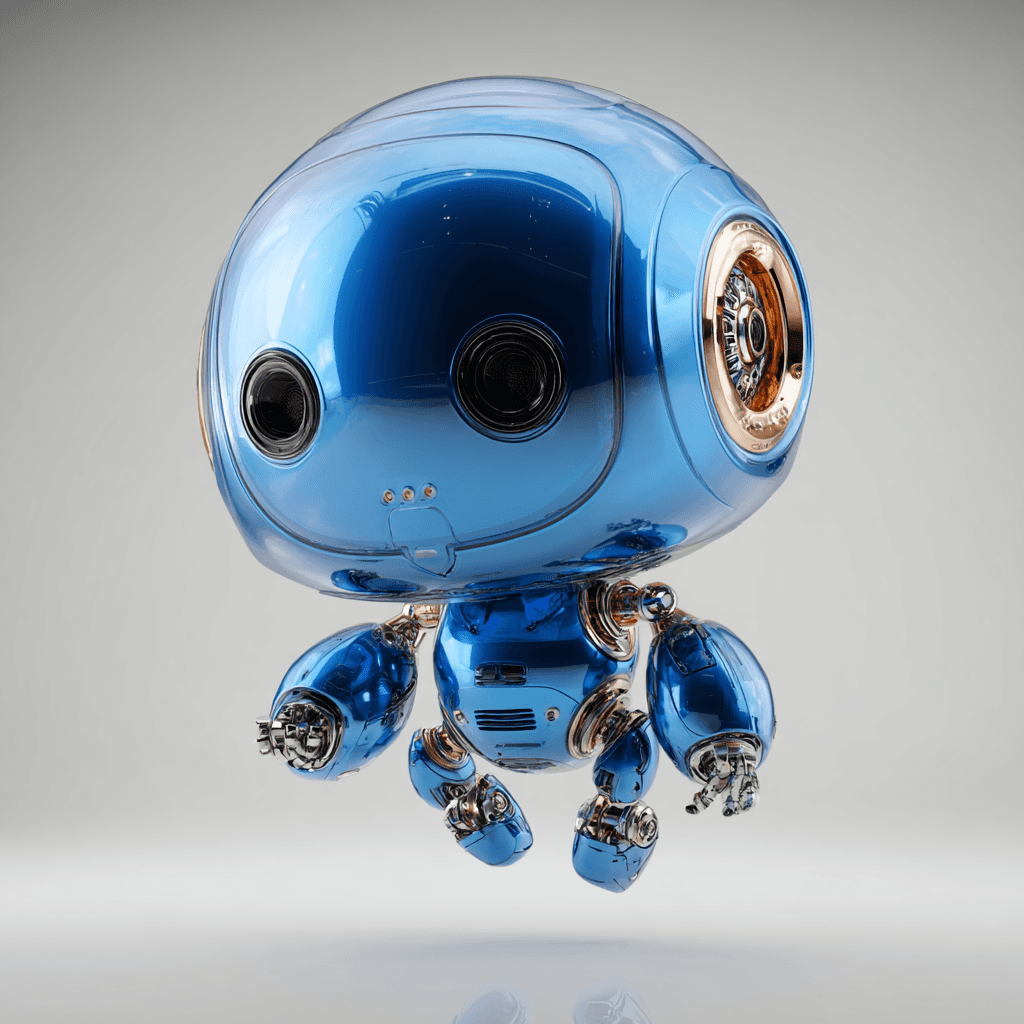
Meet the One Machine mascot
A friendly robot that embodies reliability and simplifies technology. It reinforces the brand’s commitment to clarity and trust while adding a playful touch.
Meet the One Machine mascot
A friendly robot that embodies reliability and simplifies technology. It reinforces the brand’s commitment to clarity and trust while adding a playful touch.
Meet the One Machine mascot
A friendly robot that embodies reliability and simplifies technology. It reinforces the brand’s commitment to clarity and trust while adding a playful touch.
Reflection & Next Steps
Reflection & Next Steps
Reflection & Next Steps
Explored how to unify multiple scheduling tools into one clear interface.
Learned to balance structured time management with a friendly mascot-driven design.
Would further prototype calendar integrations and test task flows for efficiency.