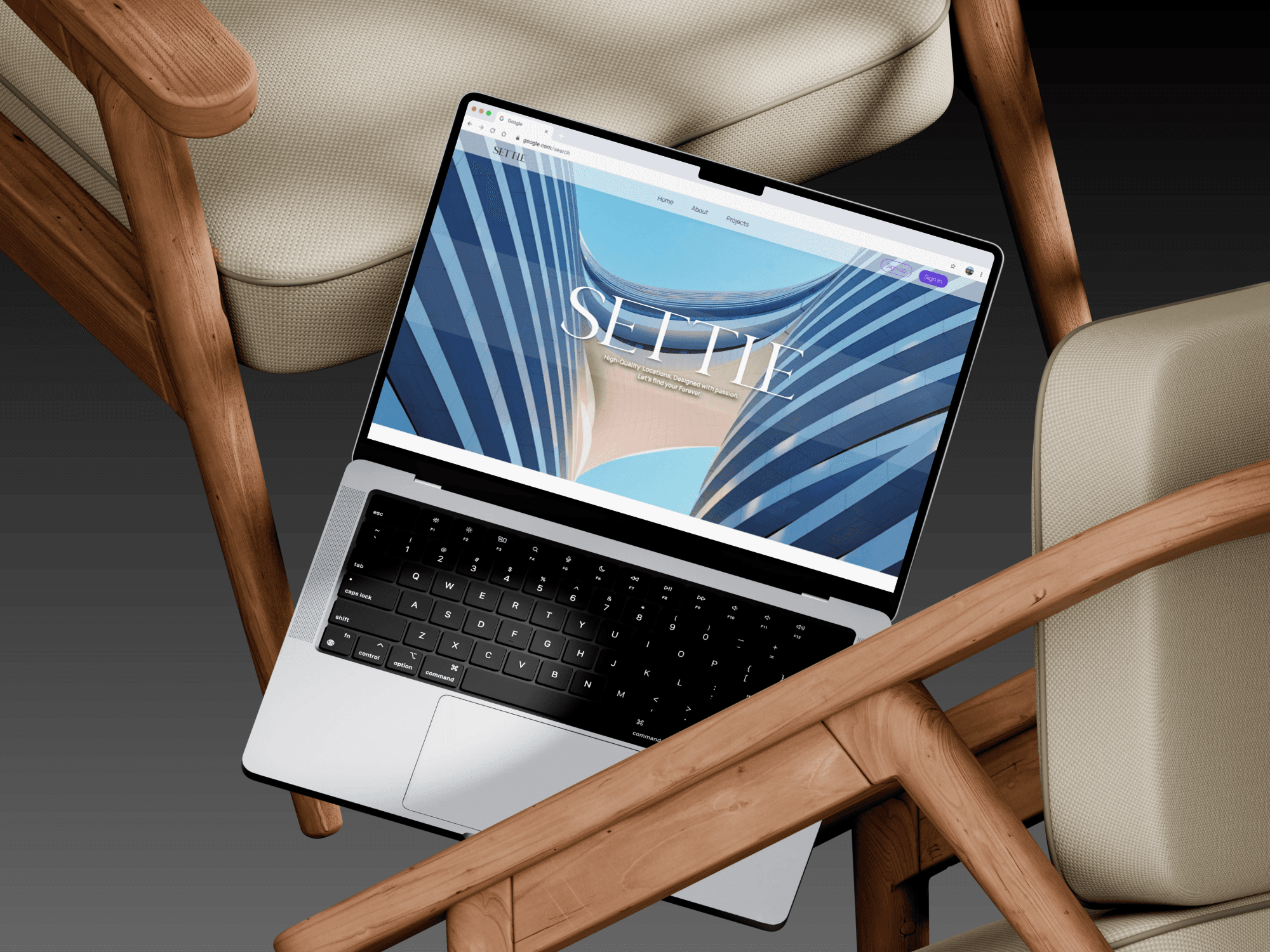
(01) Real Estate
Settle
(The Challenge)
Opening most real-estate websites feels like homework
The thing that kept coming up in research wasn't price — it was the feeling of being overwhelmed before you've even started. Too many filters, listings that all look the same, and no clear path to actually talking to someone.
(The Solution)
Start looking for what you like and then talk with us
The website leads with browsing — style, area, feel — before asking for a price range. Save what you like, come back to it later. When you're ready to talk, leave a short message and the right team calls you back. Or just call the centre and they'll direct you.
Design process
(01)
Research & Discovery
Talked to 11 people across buyer, renter, and second-hand profiles. The conversations were more about feelings than features.
(02)
Info Architecture
Mapped the filter layers - area, type, style, price. Designed the contact flow so the right team gets back to the user without them having to explain themselves.
(03)
UI Design
Light and clean - big photos, minimal text on cards. Designed the browse screen, saved homes view, listing pages, and the contact screen.
(04)
Testing & Handoff
Ran testing with customers. The filter and contact form both needed work - simplified both based on where people were dropping off.
(Design system)
The system behind the design

(Key screens)


Results
+74%
More appointment requests in the first 3 months compared to the old contact flow. Mostly because people could actually find the button.
x4.2
More listings saved per session on average. People were actually browsing, not just bouncing.
4.8★
Average beta-user rating at launch. “I actually enjoyed looking for an apartment for the first time ever.” — Beta tester
